
| Models | FLUX.2 [pro] (default on this page), FLUX.2 [flex] and FLUX.2 [max] by Black Forest Labs, called through the fal API |
|---|---|
| Modes | Text to image, and editing with 1 to 8 reference images |
| Output size | 1K or 2K; 8 aspect ratios from 21:9 to 9:16 |
| Waiting | Results usually arrive while you stay on the page; [max] and 2K take longer |
| Credits per image | [pro] 1K: 3 · [flex] 1K: 5 · [max] 1K: 6 |
| Commercial use | Allowed for all users, per our Terms |
| What it can't do | No 4K, no masks, no LoRA training or model downloads |
What is FLUX 2?
FLUX 2, written FLUX.2 by Black Forest Labs, is the image model family released before FLUX 3. Every FLUX 2 model does text to image and editing with reference images. The hosted versions differ in size and focus: [pro] is the production default, [flex] is tuned for typography, and [max] is the largest and most detailed.
Black Forest Labs lists photorealism, multi-reference editing, readable text and exact color control with hex codes as the family's main strengths. Smaller FLUX 2 versions also exist ([klein] and [dev]) with open weights for local use. flux-3image runs the three hosted models: [pro], [flex] and [max].
Pick the right FLUX 2 model
| Model | What it's for | References | Credits at 1K | Page |
|---|---|---|---|---|
| FLUX.2 [pro] | Everyday photoreal images, products, careful edits | 1–8 | 3 | FLUX 2 Pro |
| FLUX.2 [flex] | Posters, labels, menus and other text-heavy designs | 1–8 | 5 | FLUX 2 Flex |
| FLUX.2 [max] | Maximum detail and the hardest edits | 1–8 | 6 | FLUX 2 Max |
Start with FLUX.2 [pro]. Black Forest Labs calls it the recommended default model of the family, and it costs the fewest credits of the three. Move to [flex] when the image is mostly lettering, and to [max] when [pro] keeps missing a fine detail. The same prompt works on all three FLUX 2 models, so switching takes one click.
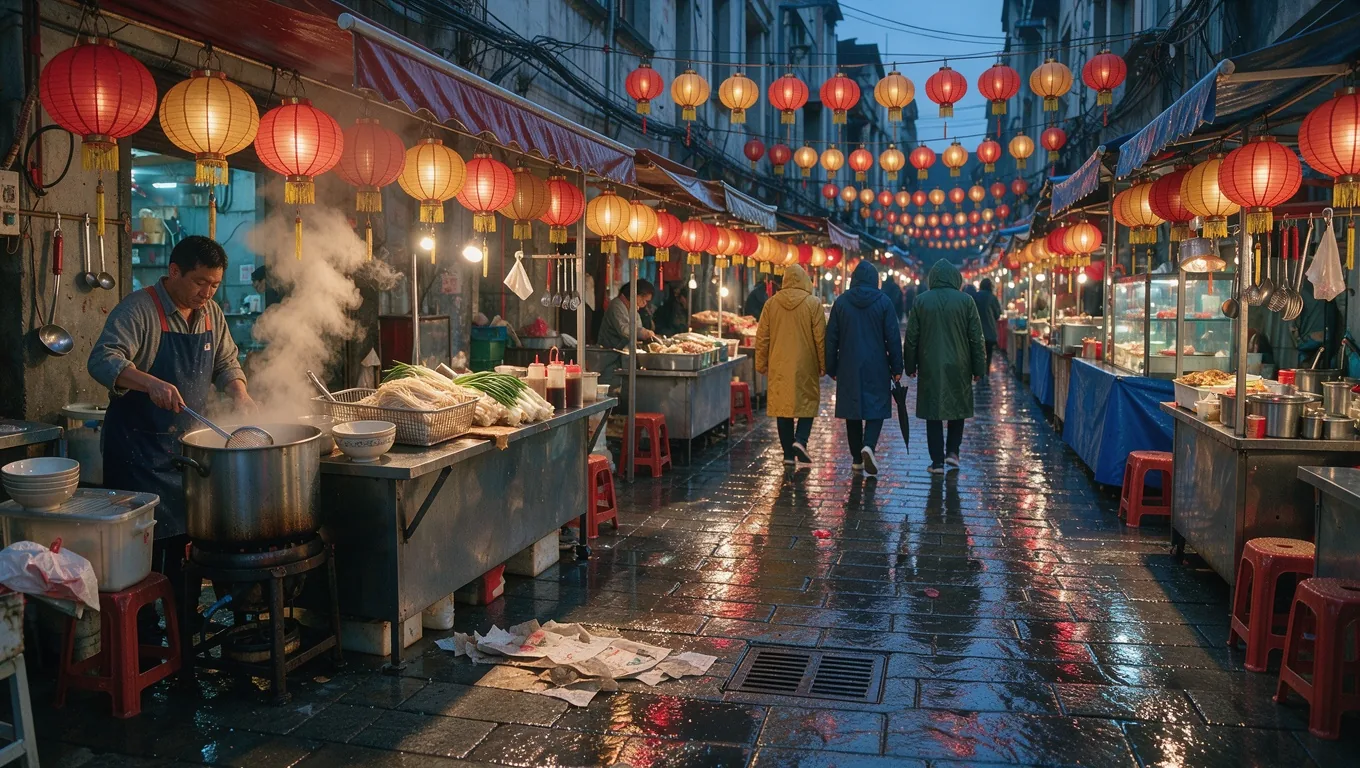
Photoreal people at work

Photorealism is where FLUX 2 puts most of its effort. This kitchen shot came from a two-sentence prompt describing the chef, the dish, the copper pans and the light. Skin, fabric folds, steam and the shallow depth of field read like a documentary photograph, and the second cook in the background stays softly out of focus.
Describe the scene the way a photographer would plan it: who is in it and what they're doing, where it happens, where the light comes from and how close the camera is. Short, concrete sentences beat long lists of style words.
Landscapes and aerial views
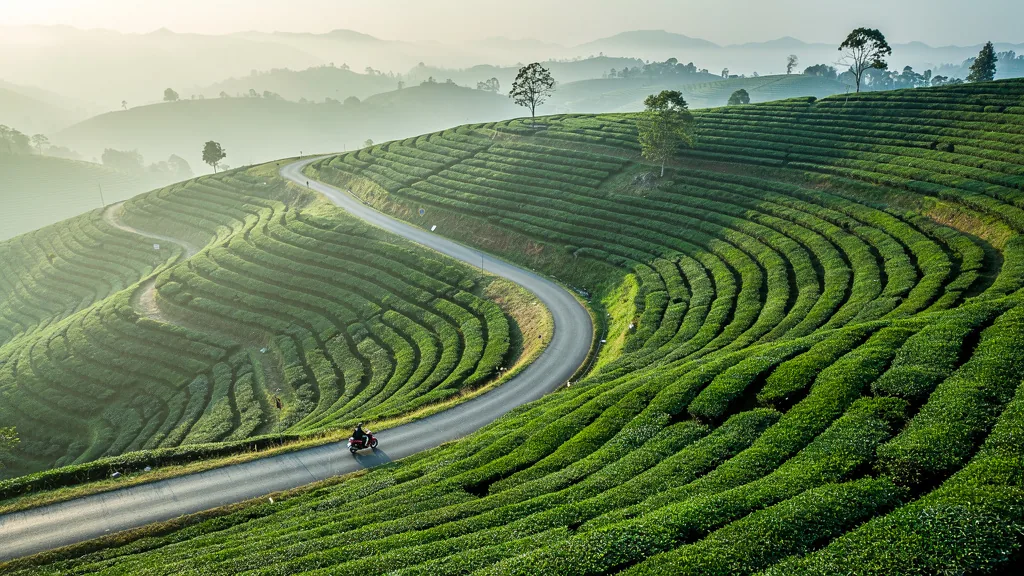
For wide scenes, FLUX 2 handles repeating patterns well. The tea terraces above follow the curve of the hills row by row, and the road winds through them. The single red scooter we asked for is there too, small enough to give the scene scale.
Wide formats suit this kind of image. Pick 16:9 or 21:9 for banners and headers, and name one small focal point (a scooter, a hiker, a boat) so the eye has somewhere to land.
Flat lays and still life
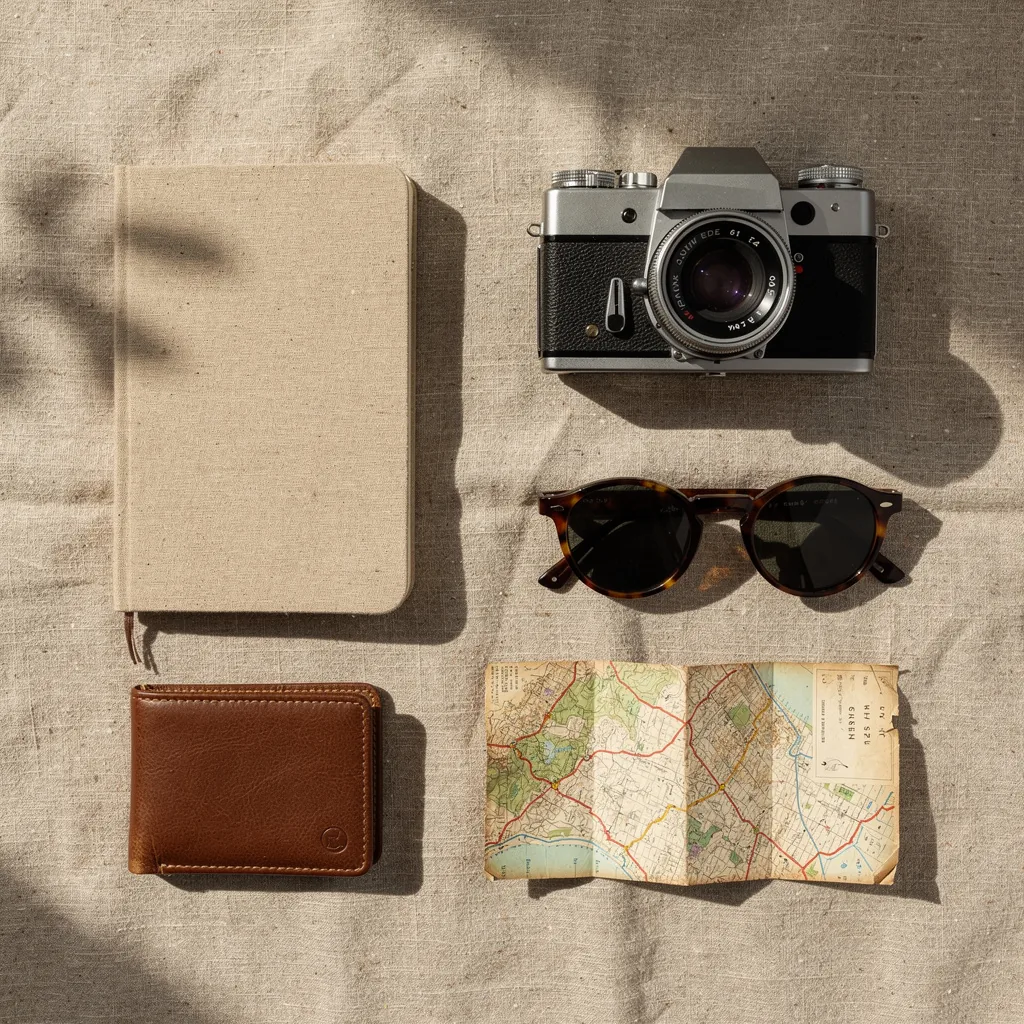
Top-down product arrangements are a common FLUX 2 AI job for shops and blogs. The prompt listed five objects and the linen surface. FLUX.2 [pro] spaced them evenly, kept them unbranded as asked, and added a soft window shadow across the cloth.
For exact brand colors, add hex codes next to the objects, as in "a notebook in #E9DCC9". FLUX 2 maps each code to the object it sits next to. The FLUX 2 Pro page shows a hex-color edit step by step.
Is FLUX 2 free?
FLUX 2 is not free on flux-3image. Each FLUX.2 [pro], [flex] or [max] image costs credits, because every request is a paid call to the model's API. Accounts created with Google sign-in get a few free credits, enough for a first FLUX 2 test before you buy anything. FLUX.2 [pro] costs the fewest credits per image.
Some sites offer a free "FLUX 2" that is actually one of the small open-weights versions running on their own hardware. Those are real FLUX models, but they are not [pro], [flex] or [max].
How to use the FLUX 2 AI image generator
- Open the model menu and choose a FLUX 2 model. This page starts on FLUX.2 [pro].
- Write your prompt. Start with the subject, then add setting, light and camera. Put hex codes next to the objects they color.
- Add references if you're editing. Upload the image to change, or as many as eight images to combine, and say what each one contributes.
- Choose 1K or 2K and an aspect ratio between 21:9 and 9:16.
- Generate. Change one thing in the prompt per re-run, so you can tell what made the difference.
FLUX 2 vs FLUX 3 Image
FLUX 3 Image is the newer model, released on October 1, 2026. It takes 1 to 10 references and outputs 4K. FLUX 2 still makes sense when you want a lower credit cost per image, hex-code color work or text-heavy designs on [flex]. A common workflow is to explore with FLUX 2, then render the final version with FLUX 3 Image on the home page.
What is the FLUX 2 model?
FLUX.2 is Black Forest Labs' image model family from before FLUX 3. It covers text to image and reference-based editing in several versions. flux-3image runs the hosted ones: [pro] for everyday work, [flex] for typography and [max] for maximum detail.
Is FLUX 2 better than FLUX 1?
For most jobs, yes. Black Forest Labs recommends FLUX.2 over FLUX.1 models such as Kontext for new projects. FLUX.2 adds multi-reference editing, hex-code colors, sharper text and output above 1 megapixel.
Which FLUX 2 model should I start with?
FLUX.2 [pro]. It is Black Forest Labs' recommended default and costs the fewest credits of the three FLUX 2 models here. Switch to [flex] for text-heavy designs and [max] for the finest detail.
How many reference images does FLUX 2 accept?
On flux-3image, FLUX.2 [pro], [flex] and [max] each accept 1 to 8 reference images per request. For more, use FLUX 3 Image, which takes 1 to 10.
Can I download FLUX 2 from flux-3image?
No. We run FLUX 2 in the browser and don't distribute model files. Black Forest Labs publishes open weights for some smaller FLUX.2 versions on its own channels, under its own licenses.
Updated