
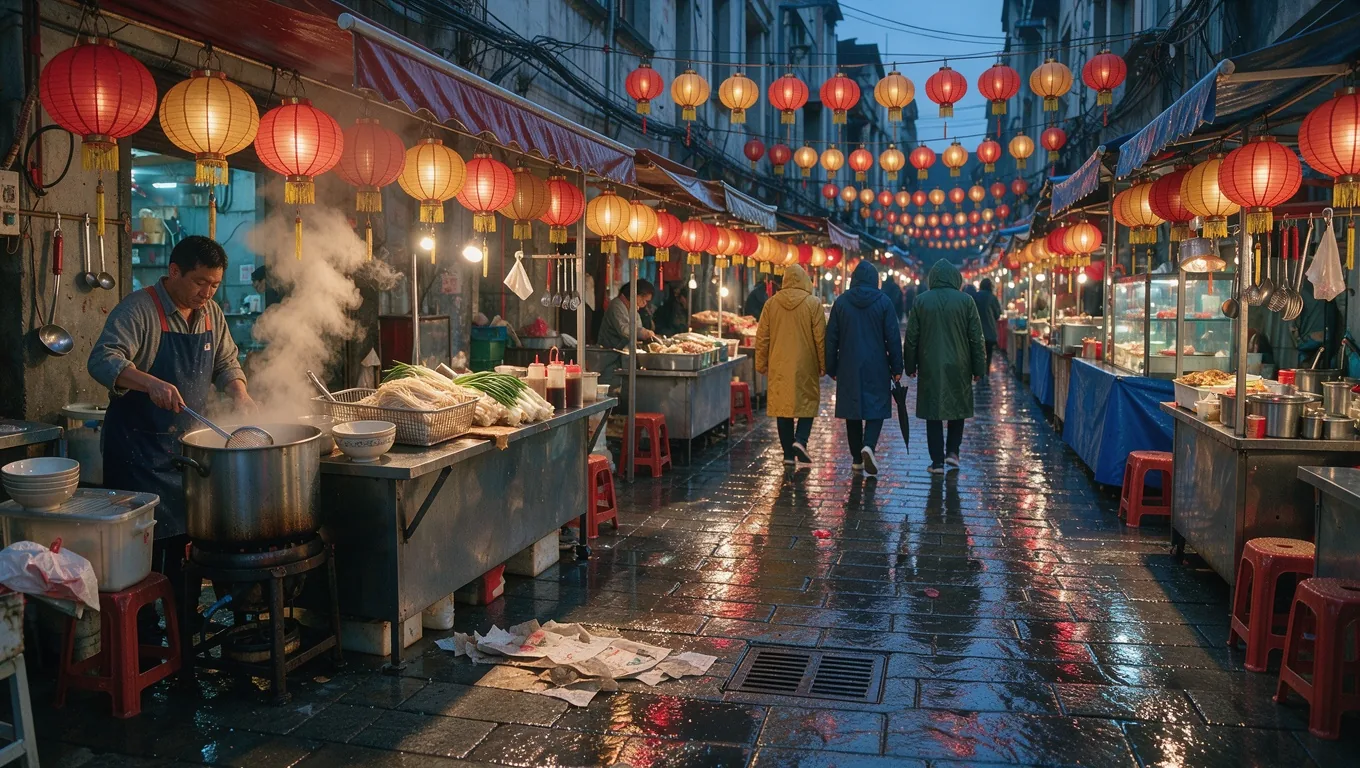
| Model | FLUX.2 [max] by Black Forest Labs, called through the fal API |
|---|---|
| Modes | Text to image, and editing with 1 to 8 reference images |
| Output size | 1K or 2K; 8 aspect ratios from 21:9 to 9:16 |
| Waiting | Results usually arrive while you stay on the page; edits and 2K take longer |
| Credits per image | 1K: 6 · 2K: 23 |
| Commercial use | Allowed for all users, per our Terms |
| What it can't do | No 4K, no masks, no web search from inside the prompt on this site |
What is FLUX 2 Max?
FLUX.2 [max] is the top model of Black Forest Labs' FLUX.2 family. BFL describes it as the highest-quality FLUX.2 model for both generation and editing, with the strongest editing consistency and prompt following in the family. It does text to image and multi-reference edits, like FLUX.2 [pro], with more fine detail.
In practice, FLUX 2 Max is the model you reach for when [pro] gets close but misses something small: a mechanism with many tiny parts, a crowded scene with labels, or an edit where nothing but the requested change may move. It costs more credits per image than [pro], so most people use it for final renders rather than drafts.
Dense mechanical detail
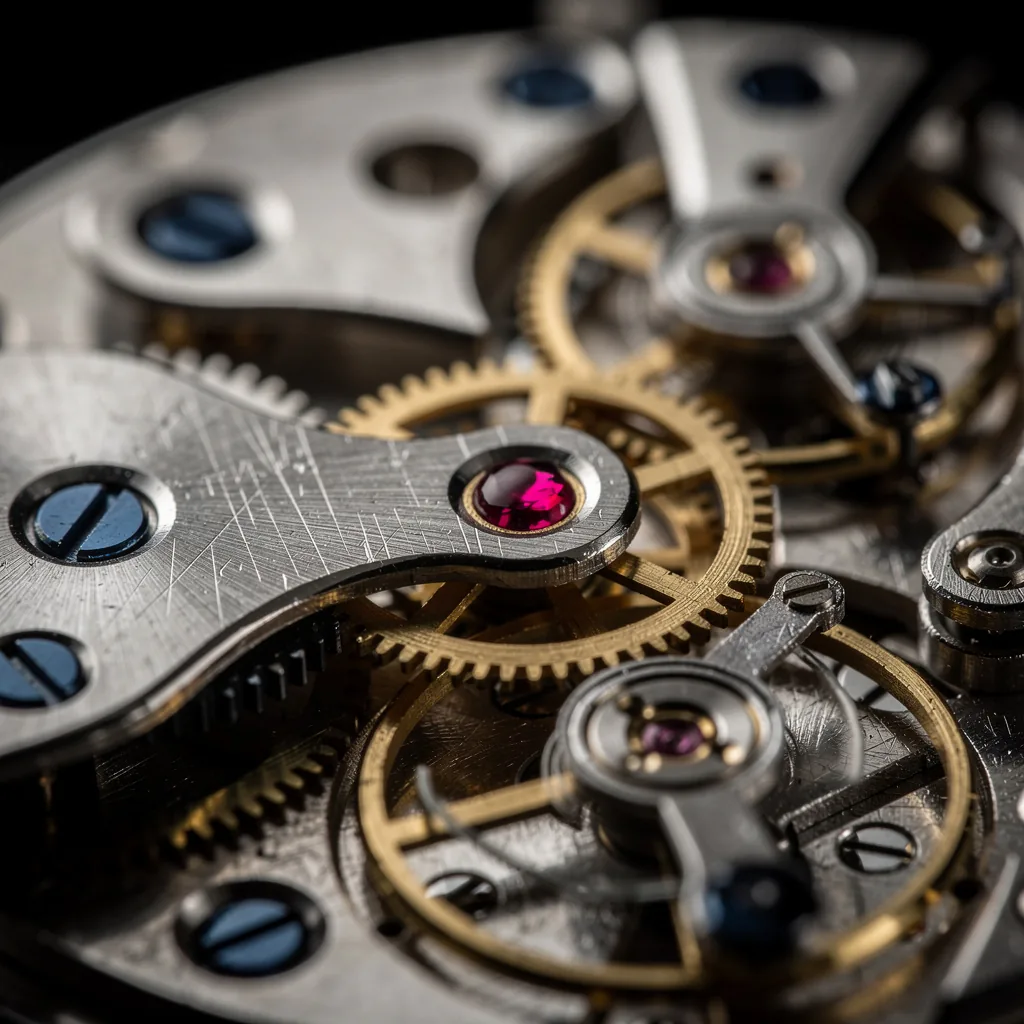
A watch movement is a hard test for any image model: dozens of interlocking parts, reflections on polished metal and tiny screws that look wrong the moment they blur. FLUX 2 Max kept the gear teeth even, the screw slots crisp and the ruby jewel bearing seated where it belongs.
Prompts for this kind of shot benefit from naming materials ("brass", "blued steel", "ruby") and the focus ("razor-sharp", "macro"). FLUX.2 [max] uses those words to decide where to spend detail.
Small text inside a busy scene
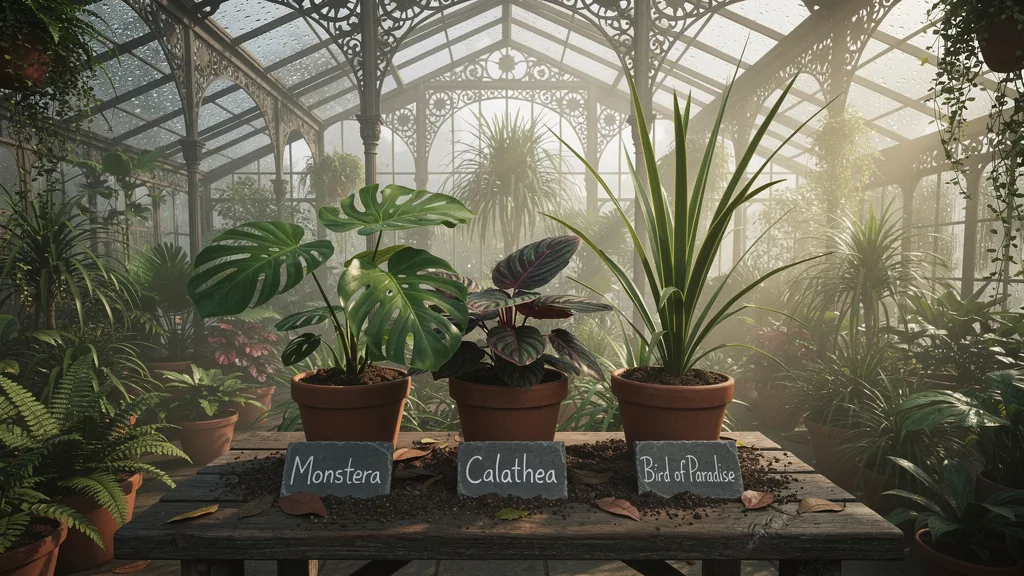
This greenhouse mixes a crowded scene with small lettering. We asked for three slate labels reading "Monstera", "Calathea" and "Bird of Paradise", placed in front of the matching pots. FLUX 2 Max spelled all three correctly in a chalk-like hand and kept the iron roof, mist and foliage detailed around them.
For text-first designs such as posters and packaging, FLUX.2 [flex] is built specifically for typography. FLUX 2 Max is the better pick when the text is one small part of a detailed photo.
Edits that keep everything else in place
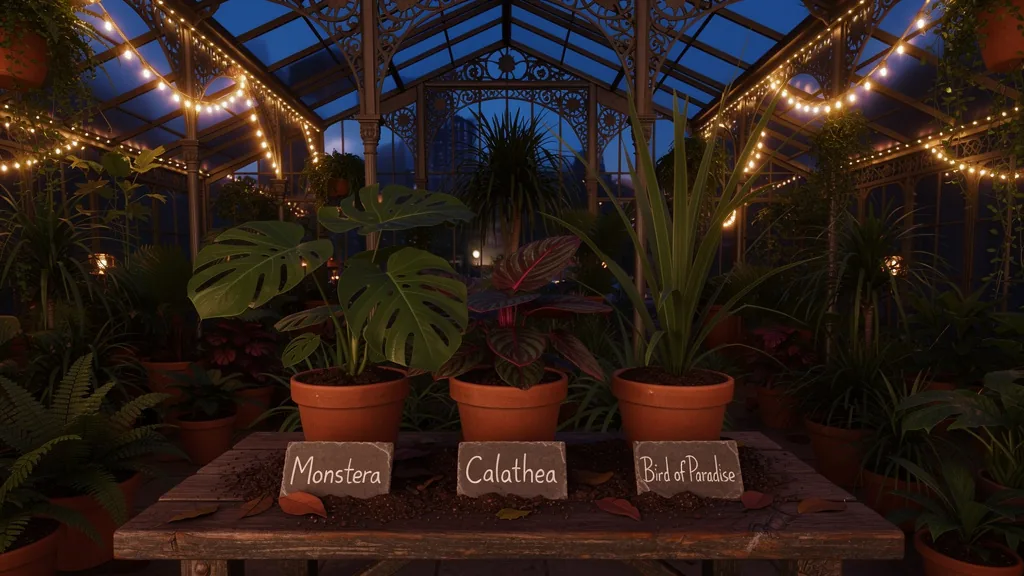
We then used the greenhouse image as a reference and asked FLUX 2 Max to turn it into a late-evening scene with warm string lights along the iron beams. The prompt also listed what must not change: the plants, pots, slate labels and layout.
The result keeps every label, with the same words in the same spots, while the light, sky and mood are completely different. That consistency is what you pay the extra credits for. It matters most for product shots, real estate images and any series where the same scene has to appear at different times of day.
FLUX 2 Max vs FLUX 2 Pro
| FLUX.2 [pro] | FLUX.2 [max] | |
|---|---|---|
| Image quality | High; enough for most product and marketing work | Highest in FLUX.2, especially fine detail |
| Edit consistency | Strong | Strongest in FLUX.2 (per Black Forest Labs) |
| References | 1–8 | 1–8 |
| Credits at 1K | 3 | 6 |
A good workflow: draft on FLUX 2 Pro, then re-run only the final prompt on FLUX 2 Max. Both use the same prompt format and settings, so nothing needs rewriting.
Where FLUX 2 Max earns its credits
- Hero images. Homepage banners, ads and print pieces that people see at full width.
- Architecture and interiors. Scenes with many repeating elements such as windows, tiles, shelves and roof beams.
- Technical subjects. Watches, engines, instruments and circuit boards, where a smudged part looks wrong right away.
- Small signage. Labels, street signs and price tags inside a detailed photo that must be spelled correctly.
- Edit series. One base scene shown in several seasons, times of day or color schemes, with everything else locked.
If your image is a quick draft or will only be seen as a small thumbnail, the extra detail of FLUX 2 Max is hard to notice. Save it for the final versions.
How to use FLUX 2 Max
- Choose FLUX.2 [max] in the model menu.
- Write a precise prompt. Name materials, focus, light and any text in quotes. FLUX 2 Max rewards specific wording.
- Add references for edits, up to 8, and say what each one contributes and what must stay unchanged.
- Pick 2K for final renders when the detail will be viewed large.
- Generate. If one small element is wrong, mention only that element in the next run.
Is FLUX 2 Max free?
No. FLUX 2 Max is the most expensive FLUX.2 model on flux-3image, and every image costs credits because each request is a paid call to Black Forest Labs' API through fal. Accounts created with Google sign-in get a few free credits to try the site. Most people test prompts on lower-cost models first and buy credits for FLUX 2 Max.
Is FLUX 2 Max better than FLUX 3 Image?
They do different jobs. FLUX 2 Max gives the finest detail in the FLUX.2 family at 1K or 2K. FLUX 3 Image is newer, takes up to 10 references and outputs 4K. Try the same prompt on both when detail matters.
Does FLUX 2 Max search the web?
Black Forest Labs' own API offers a grounding search option for FLUX.2 [max]. flux-3image does not run web searches from your prompt, so describe what you want to see directly.
What is the difference between FLUX.2 max and FLUX.2 flex?
FLUX.2 [flex] is tuned for typography and small details in designs such as posters and labels. FLUX.2 [max] is the largest general-purpose FLUX.2 model, aimed at overall image quality and edit consistency.
How many references can FLUX 2 Max use?
On flux-3image, FLUX 2 Max accepts 1 to 8 reference images per edit. For more references, FLUX 3 Image takes 10.
When is FLUX 2 Max worth the extra credits?
When the image will be viewed large, contains many small parts or text, or is an edit where everything outside the change must stay put. For quick drafts and social posts, FLUX.2 [pro] is usually enough.
Updated